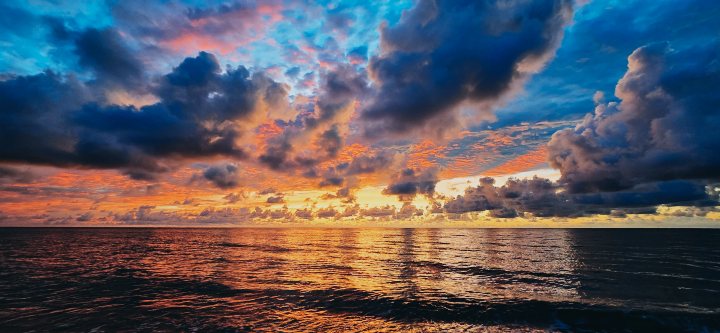
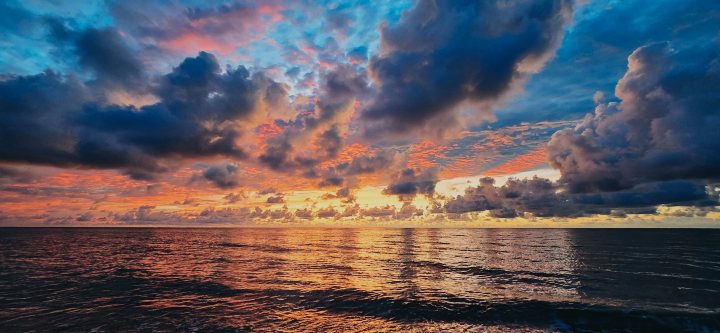
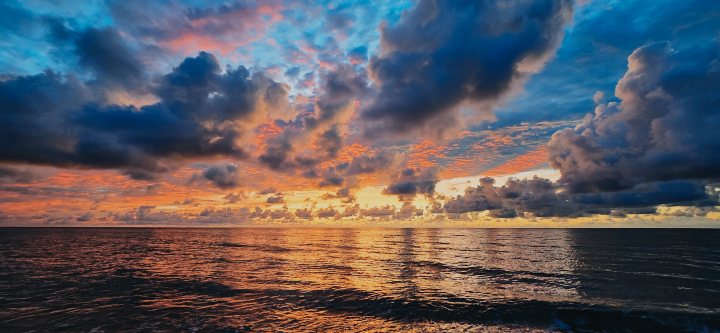
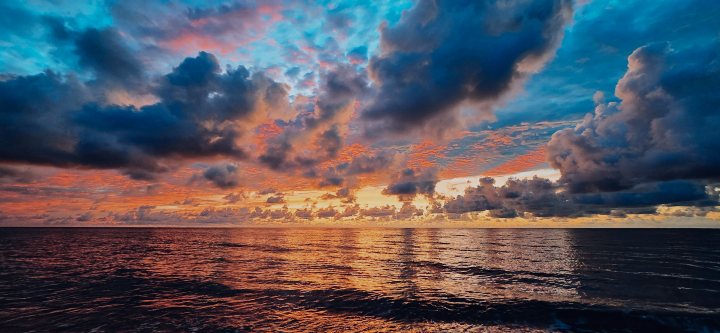
Android testers wantedDyestack is heading to Google Play and needs 12 people with an Android phone to try it for two weeks. Free. All you need is a Google account.Join the test
Colour film · darkroom paper · your phone

Develop film.

A real film engine on your phone. Dyestack develops your photo through a physical model of colour film and darkroom paper: layers of dye, individual grains, a print. No LUTs. No filters. A development.

Get itWhat is dye stacking?
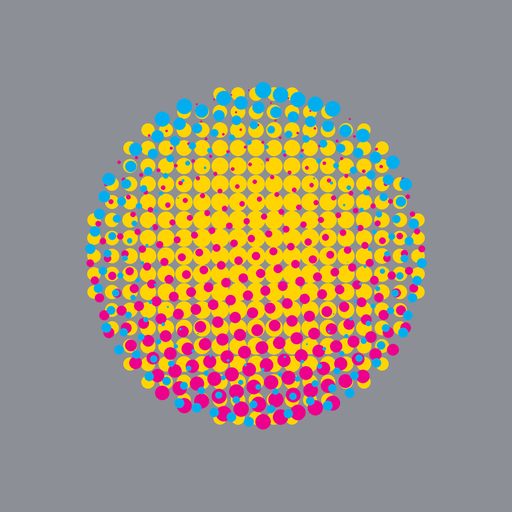
cyanmagentayellow
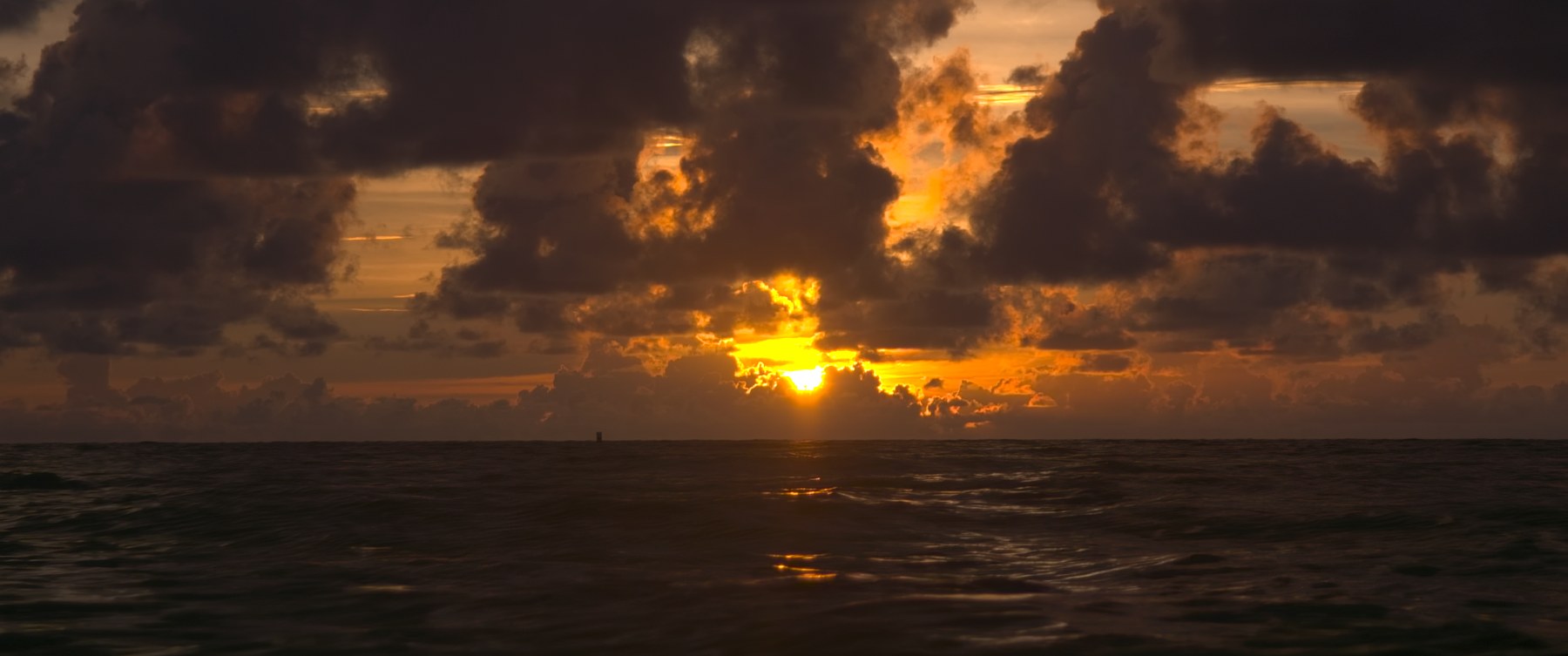
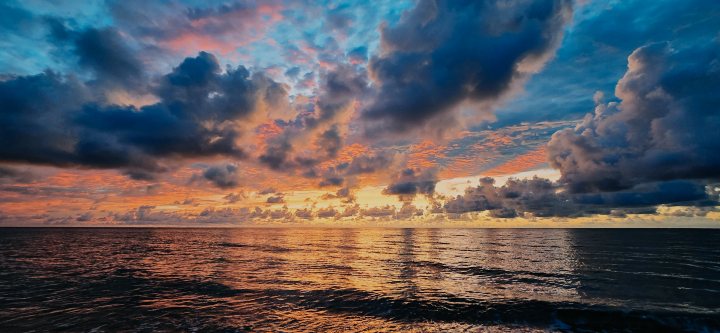
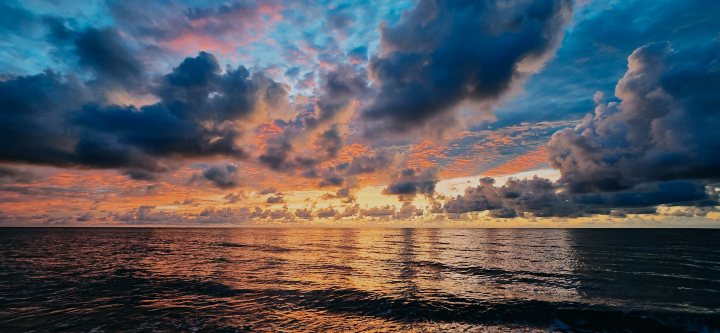
A sunrise over the sea, as shot
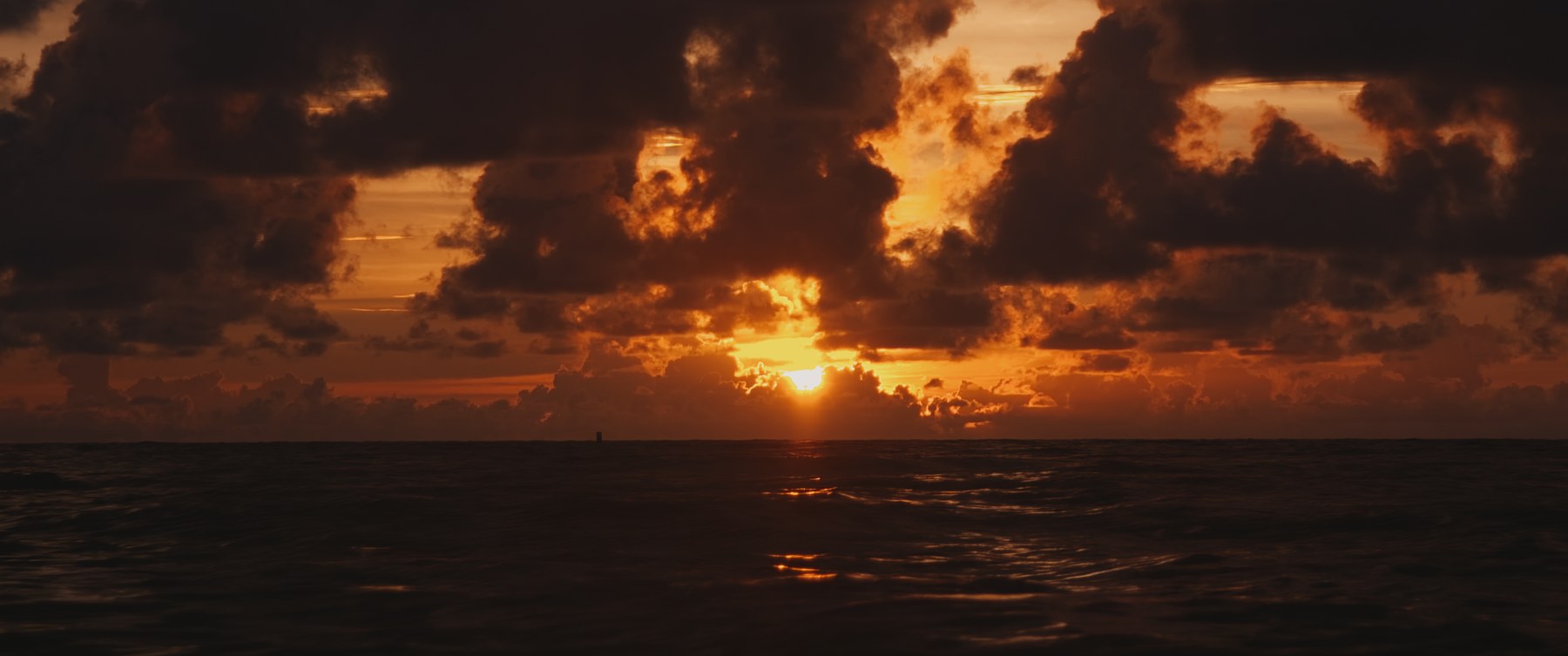
The same sunrise, developed in Dyestack
<>
As shotDeveloped

One sunrise, straight from the camera on the left, developed in Dyestack on the right. Drag. Film modelled on Portra 160, printed on Portra Endura-style paper, with grain and halation. No retouching.
The engine

Not a filter. A film engine.

Most film apps lay a lookup table over your picture. Dyestack does not use LUTs, and it does not use filters. Your photo goes through a model of the process itself: light exposing three layers of emulsion, development turning silver into dye, a darkroom paper reading that dye, a scanner reading the print. Change a control and the physics changes with it.

Grain from real film

The grain is not a noise texture. It is computed from a simulated population of individual silver halide crystals, each with its own size, that develop or do not depending on how much light reached them. And it is calibrated against real 4K footage of 35 mm and cine film grain: how strong it is, how much of it is colour, how it clumps.

Dye, not curves

Colour comes from layers of cyan, magenta and yellow dye, formed by exposure and development, then read again by paper. That double pass gives the colour its weight in shadows and its roll-off in highlights.

Bounded by physics

Every control is something film, paper or a lab could really do, and every one has the limits the real process has. Nothing digital pretending to be analog.

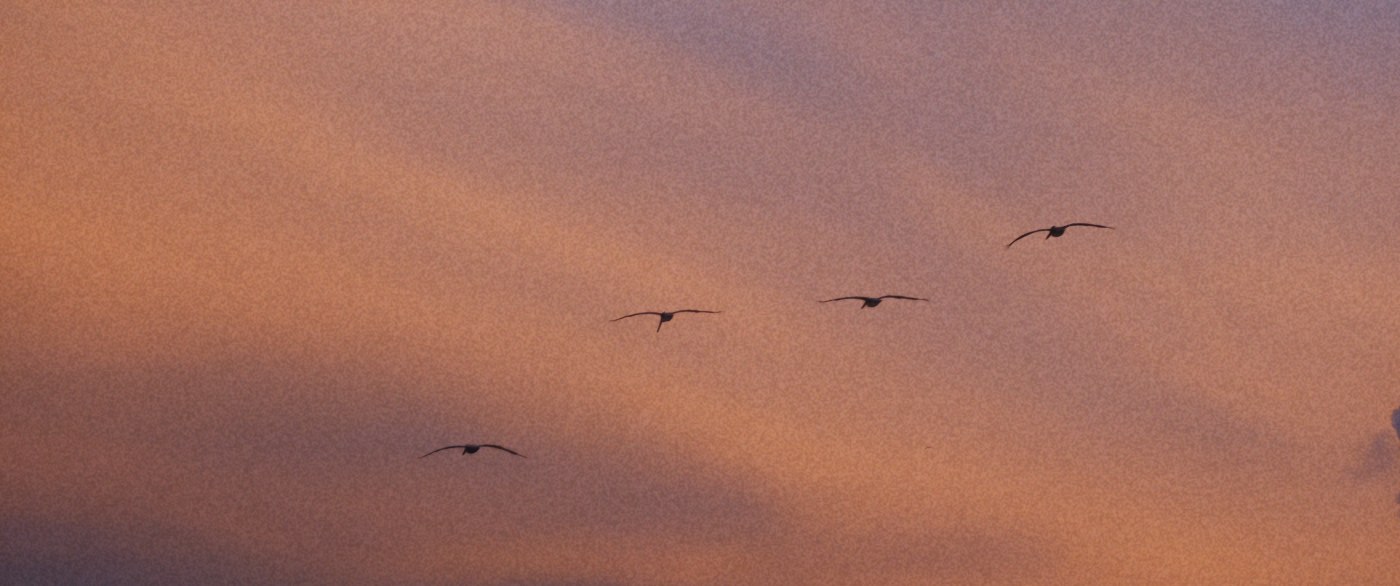
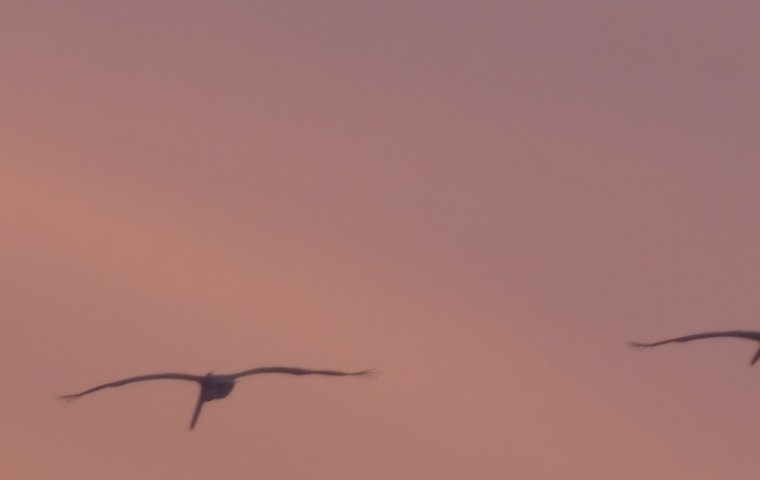
A 100 percent crop of the original sky, smooth
As shot, 100%
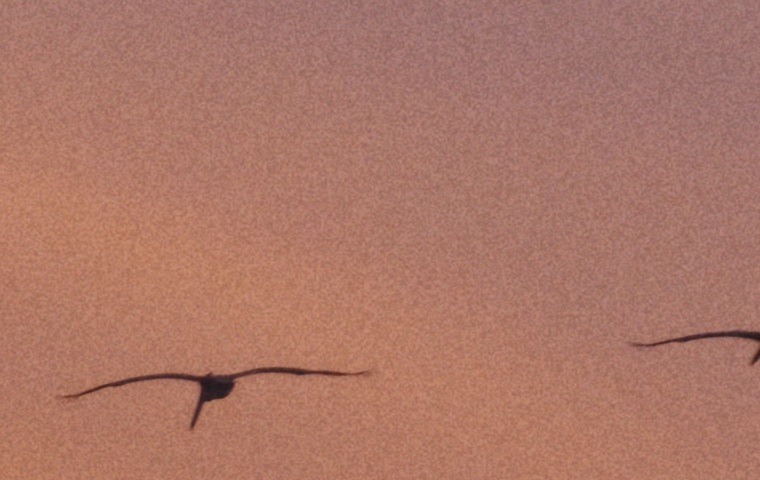
The same crop developed, with film grain
Developed, 100%

The same patch of sky at full size. The grain is in the picture, not on top of it: it is computed from a population of silver halide crystals, not laid on as a texture.

The name

What is dye stacking?

It is exactly what happens when you develop colour film. A colour negative is three layers of emulsion, one sensitive to red, one to green, one to blue. Developing the film turns each layer into a cloud of dye: cyan, magenta, yellow. The photograph is not a picture sitting on the film. It is the stack.

  • Top layer · blue lightBecomes a layer of yellow dye.
  • Middle layer · green lightBecomes a layer of magenta dye.
  • Bottom layer · red lightBecomes a layer of cyan dye.

Dyestack develops your picture through that stack, then prints it on a paper whose own dyes bend the colour a second time. That double pass is where the look comes from.

How it works

Film, then paper, then the lab.

1 · Film

A film stock modelled on Portra 160: its colour response, its tone curve and its grain. Push or pull a stop or two. Develop it as C-41 or ECN-2.

  • 16, 35 and 70 mm frames
  • Grain that scales with the frame
  • Halation, the red glow round bright lights

2 · Paper

Print it on a darkroom paper, glossy, lustre or matte. Each paper reshapes colour and contrast its own way, from soft portrait stocks to cinema print.

  • 8 papers, with a browser of live previews
  • Portra Endura to Vision 2393
  • Dodge, burn, flashing, split grade

3 · Scan

Then the lab scans it. Pick a scanner's character, balance the scene as a printer would, sharpen with real scanner halos, or switch to a full film-scanner console.

  • Frontier and Noritsu characters
  • Scene balance, as a lab printer does it
  • Scanner mode, a second interface
Papers

One negative. Eight prints.

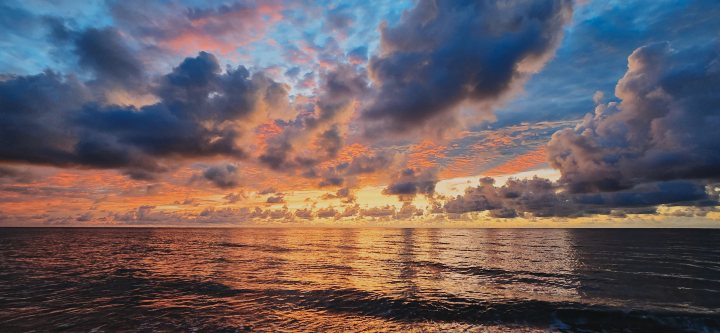
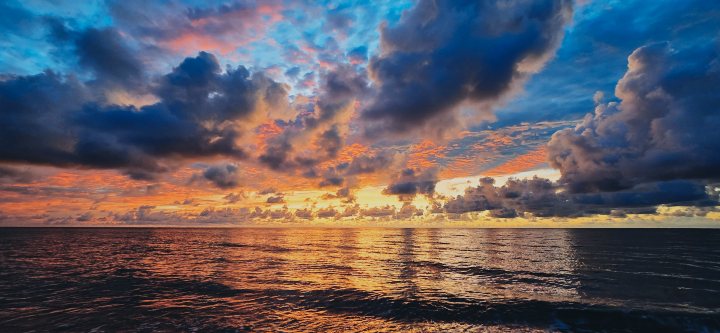
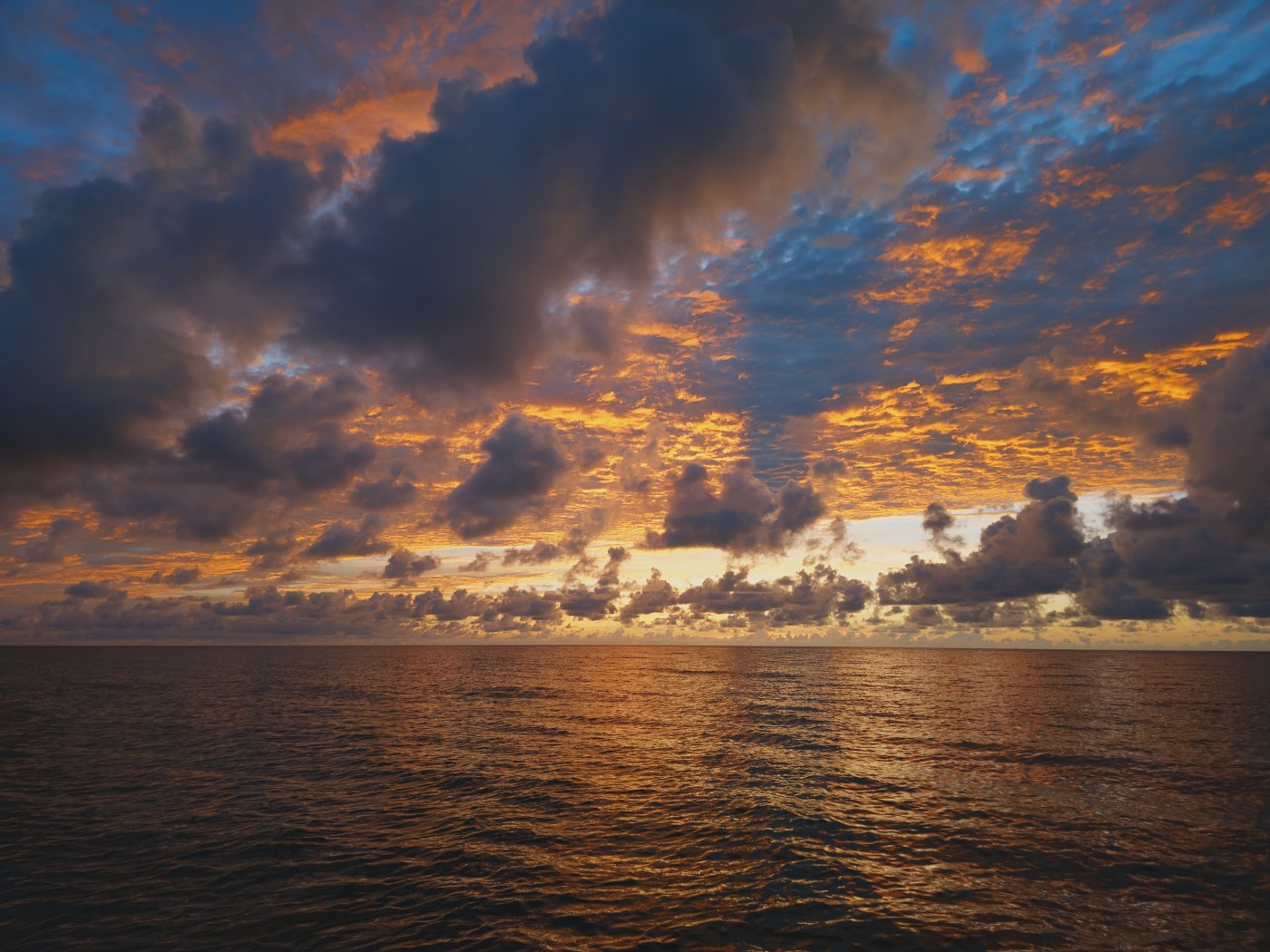
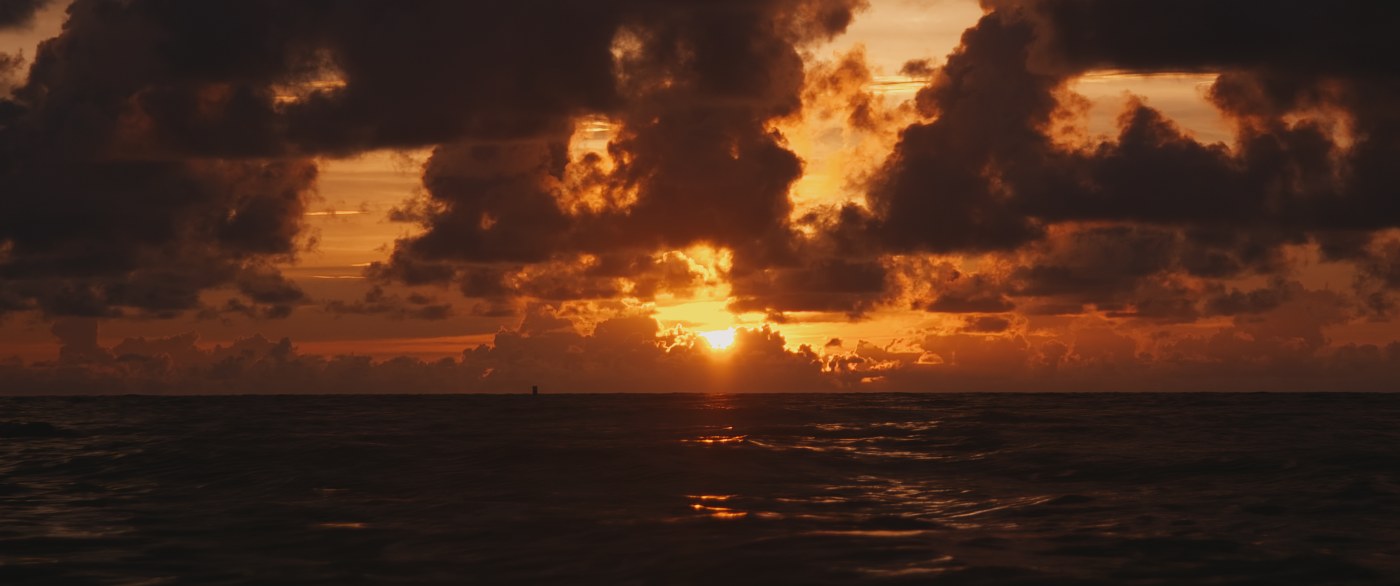
The same sunrise on each paper, straight out of the engine. The differences are in the dyes, not in a preset.

The sunrise printed on Portra Endura
Portra Endura
The sunrise printed on Ektacolor Edge
Ektacolor Edge
The sunrise printed on Endura Premier
Endura Premier
The sunrise printed on Crystal Archive
Crystal Archive
The sunrise printed on Supra Endura
Supra Endura
The sunrise printed on Ultra Endura
Ultra Endura
The sunrise printed on Vision 2383
Vision 2383
The sunrise printed on Vision 2393
Vision 2393
Scanner mode

Work the film lab.

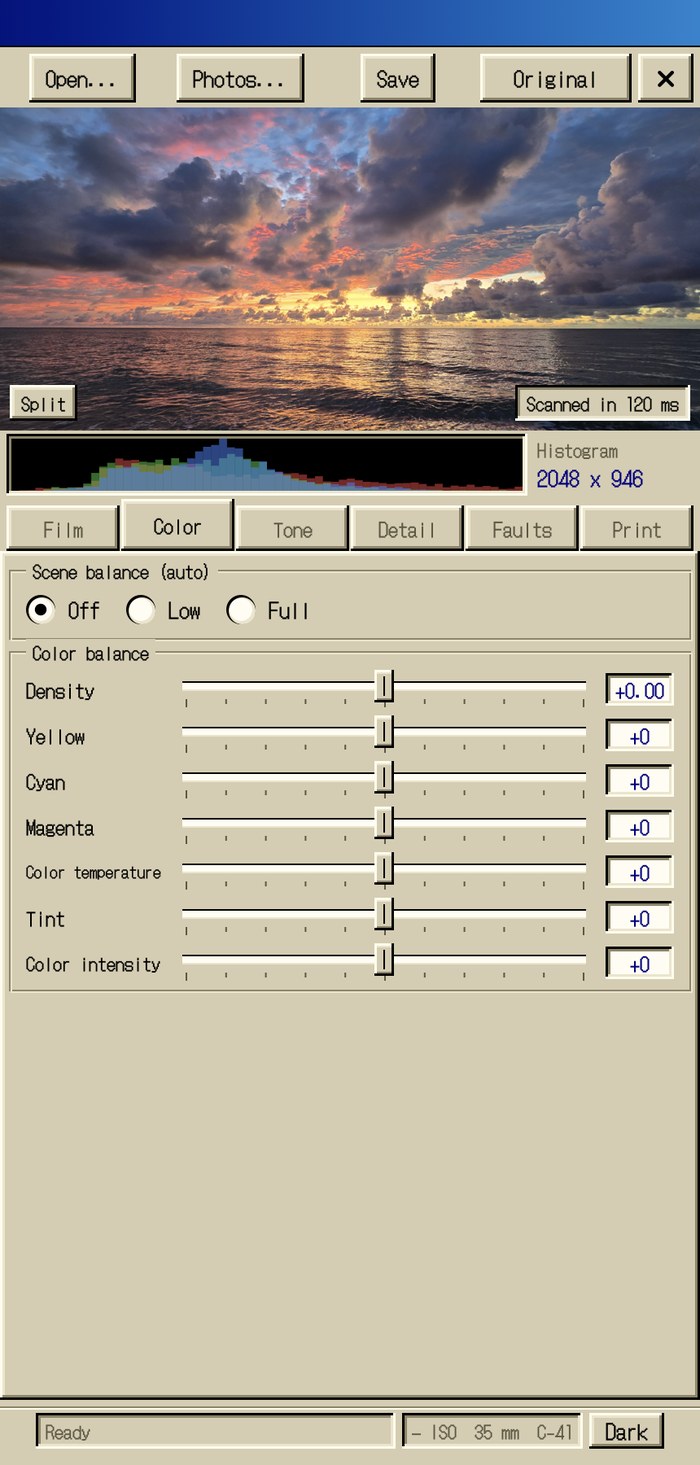
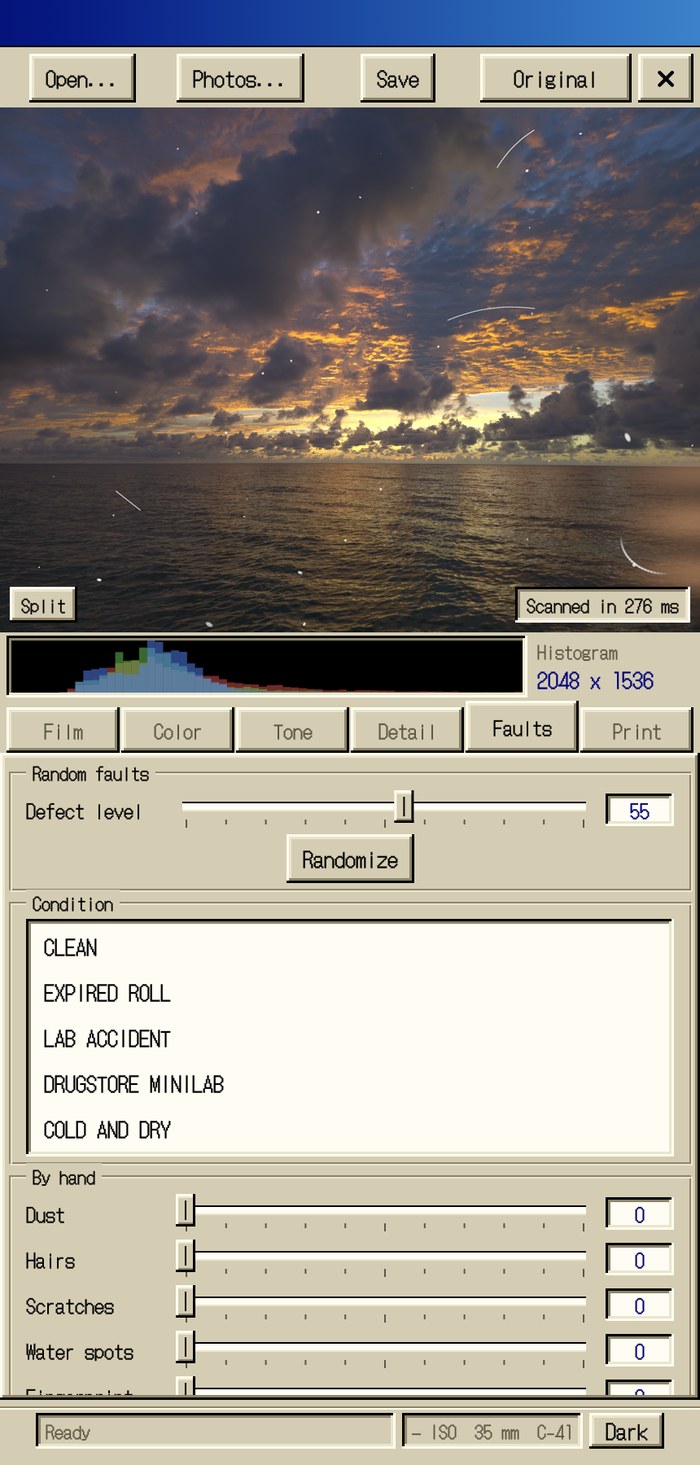
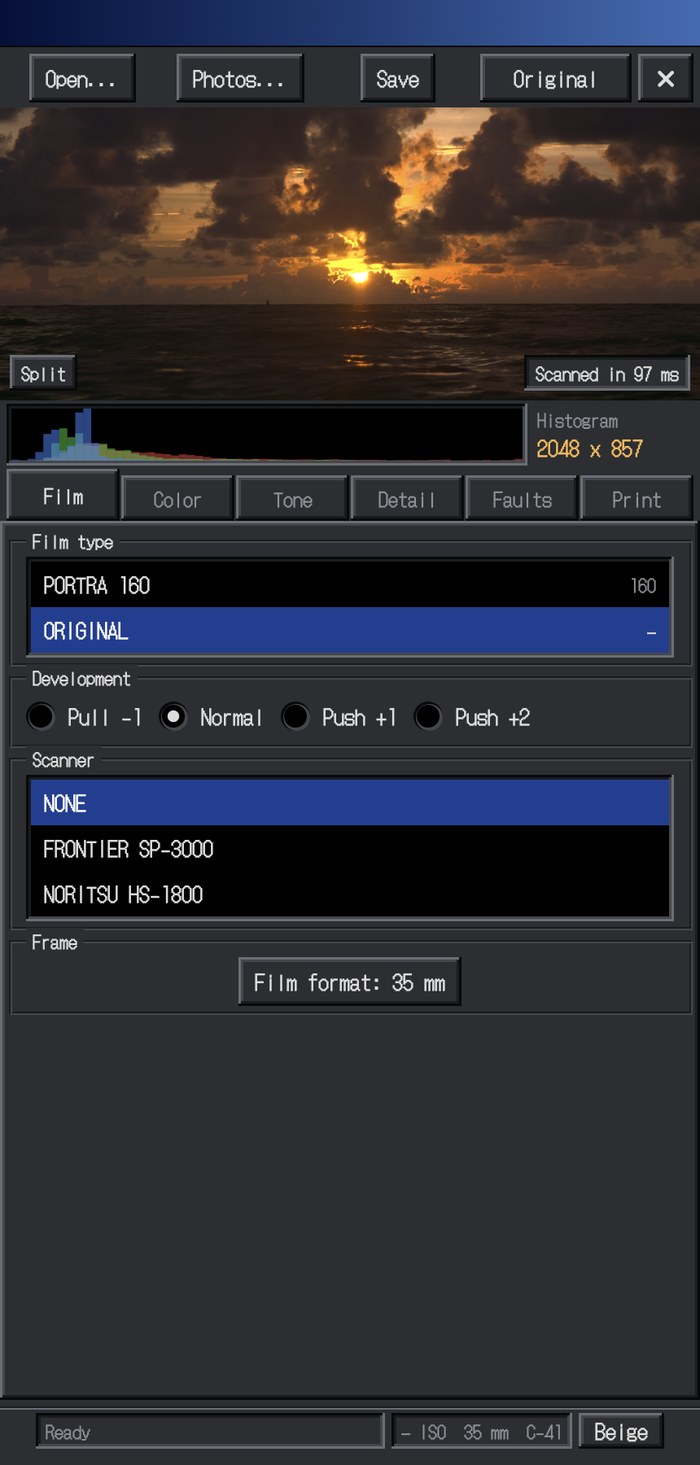
Flip a switch and Dyestack becomes the control surface of a 1990s film-scanner workstation: bevelled buttons, trackbars with tick marks, a pixel font, a histogram, a status bar. Beige or dark. You are no longer editing a photo. You are the operator at the lab, and the roll has just come back from the machine.

Scanner mode, colour balance page, beige
Colour balance, like a lab printer
Scanner mode, faults page, beige
Faults, or "how the roll came back"
Scanner mode, film and scanner page, dark
Choose the scanner, in dark

Pick the machine

Scan on a Frontier-style or a Noritsu-style scanner and get that machine's character: its contrast, its saturation, its sharpening halos.

Let the lab decide

Turn on scene balance and the printer integrates the picture to grey, as a minilab does, then applies the correction. It makes a printer's mistakes too: a sunset gets read as a cast.

Make it come back wrong

Drugstore minilab, expired roll, lab accident, cold and dry. One tap sets dust, hairs, scratches, water spots, fingerprints, streaks and static, or roll the dice for a random mix. Clean puts it all back.

The lab

Controls a darkroom actually has.

Every control is something film, paper or a lab could do, bounded by what the physics allows. Nothing digital pretending to be analog.

Light

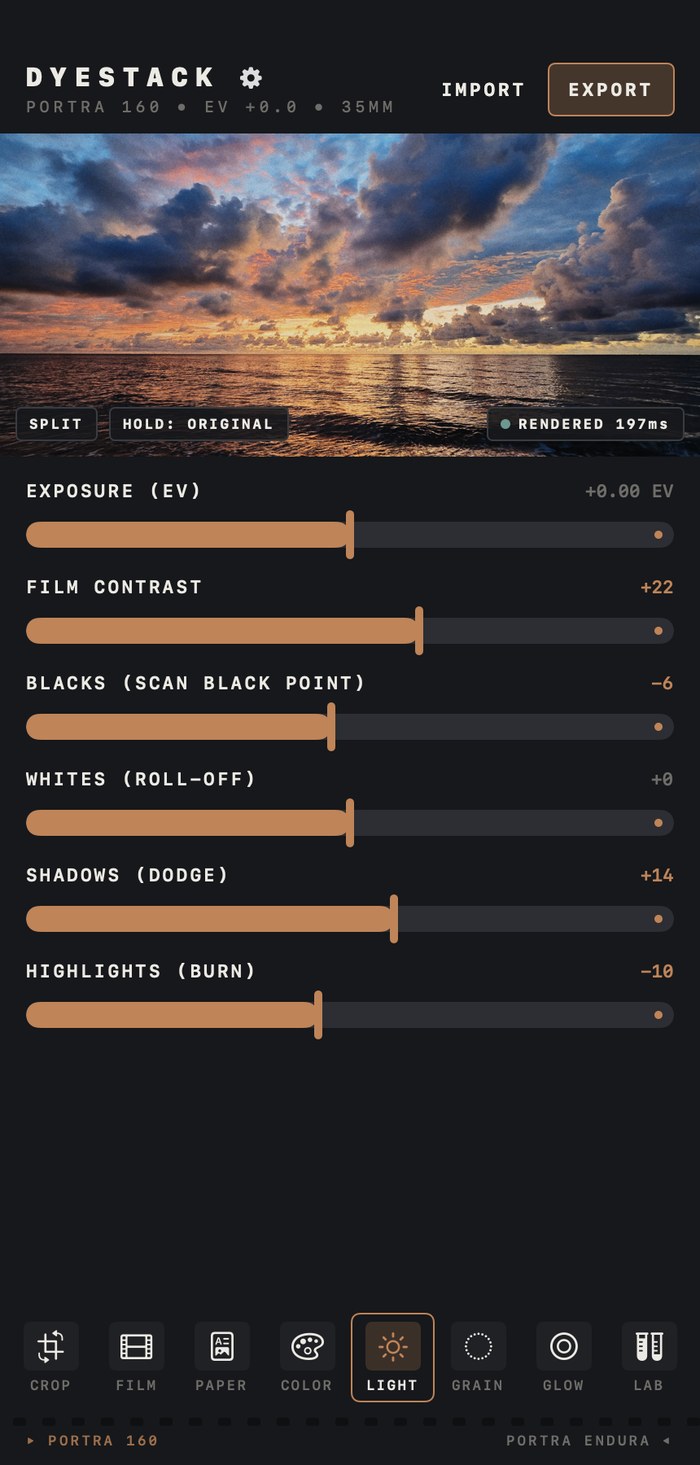
  • Exposure, contrast, blacks, whites
  • Shadows (dodge), highlights (burn)
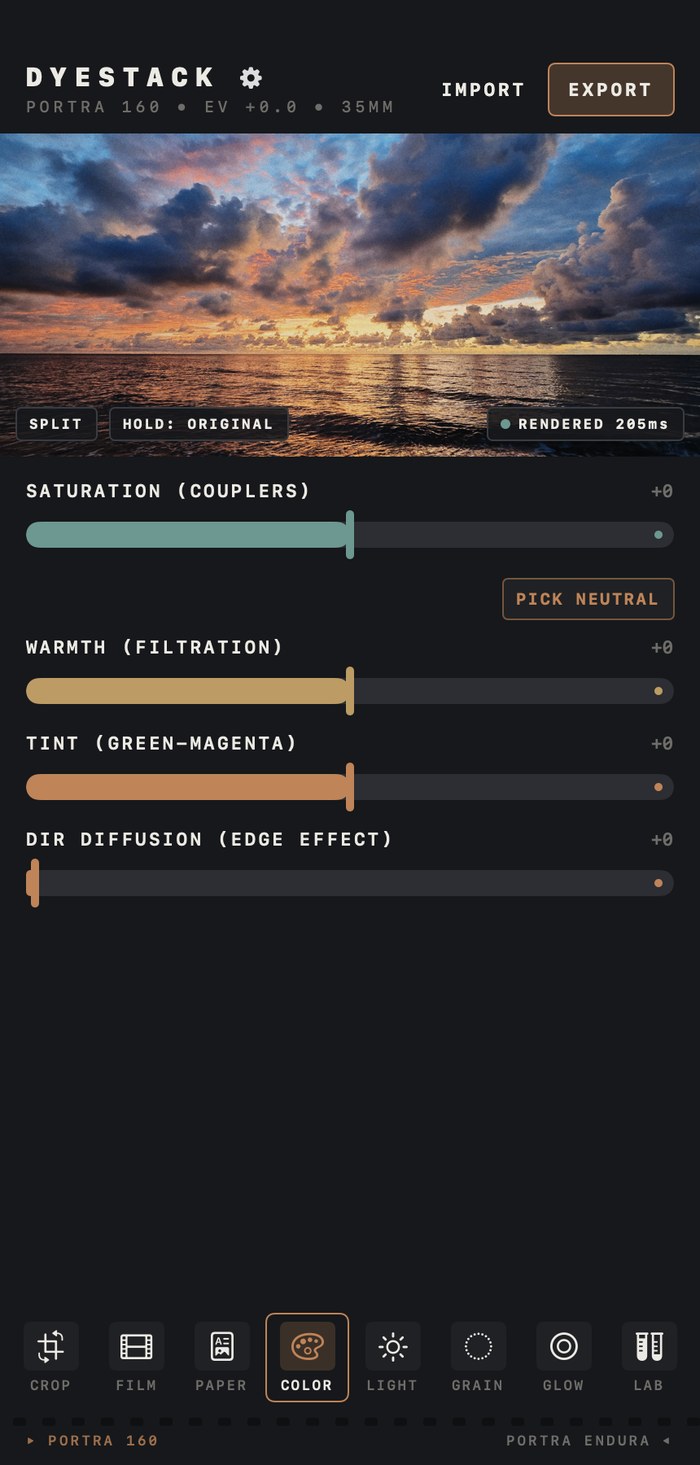
  • Warmth, tint, a one-tap neutral picker

Print

  • Yellow, magenta, cyan filtration
  • Split-grade printing, flashing
  • Bleach bypass, film age

Faults, on purpose

  • Dust, hairs, scratches, water spots
  • Fingerprints, streaks, static, kinks
  • One slider grows a random mix

Glow

  • Red halation, soft diffusion
  • Light leaks you can reroll
  • Vignette, distortion, colour fringe

Frame

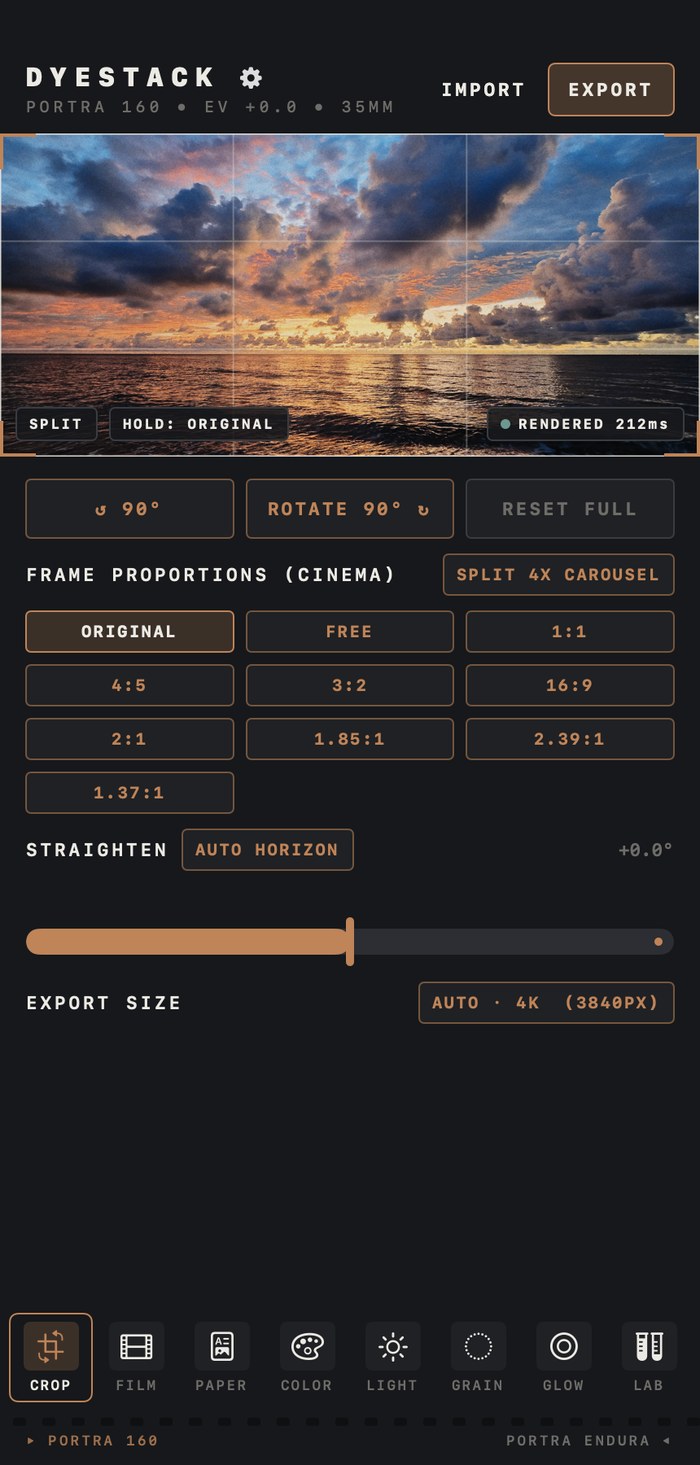
  • Crop, rotate, straighten, auto horizon
  • Cinema ratios: 1.85, 2.39, 1.37
  • Split a picture into a 4-slice carousel

Raw and video

  • Camera RAW, with the light read from the file
  • Develop video frame by frame
  • Moving grain, original audio
The Dyestack editor
The editor
Crop and frame controls
Crop and frame
Exposure and tone controls
Light and tone
Private by design

It all happens on your phone.

No account. No ads. No tracking. Your photos are developed on the device and saved to the folder you pick; they are never uploaded. The one optional feature that uses the internet, the sunrise and sunset forecast, downloads a small public regional forecast and works out the score on your phone, so your location never leaves it.

Dyestack app icon

Develop your first roll.

Dyestack is in testing now.

Android testers wanted. We need 12 people for a two-week Google Play test: email us the Gmail address you use on your phone. Want in early? [email protected]